Your ad works. People open the website and fill the contact form. Then the request sits in an email inbox, or a spreadsheet, until someone has time to copy it into the CRM.
By then, the patient has called two other clinics.
The problem is not the ad, and it is not the form. It is the gap between them and your team. This release closes that gap. The dated changelog is on What’s new. The product page is CRM.
One form, every place you meet patients
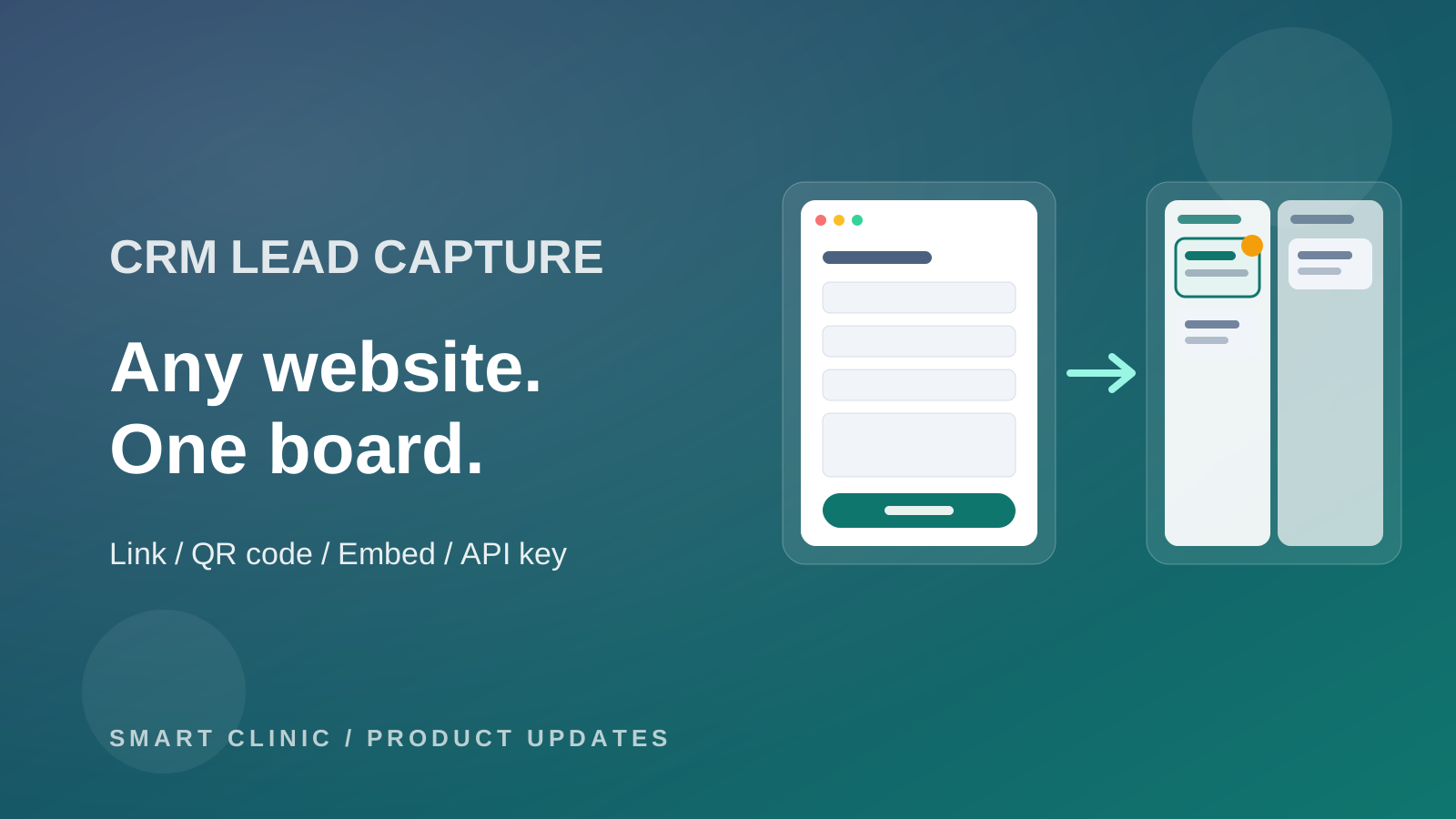
In the CRM settings, open Lead capture and press New lead form. It opens in the form builder with name, phone, email, and message already there.
Then share it wherever patients find you:
- the public link in your Instagram bio, a WhatsApp reply, or an ad
- a QR code printed at reception
- the embed code on your website, such as WordPress or Wix
The lead is on the board before you look
In CRM & sharing, pick the board, the starting stage, the source, and the tags. From then on, every request becomes a card in that stage, in seconds. Nobody copies anything.
Came from an ad link? The lead note shows the campaign and the page. So you know which ad brought which patient.
If you already use auto-assign and playbooks on that board, they pick up the new card like any other. The right person gets the follow-up.
The same patient, one card
Patients fill forms twice. They forget they did, or they want a faster answer. If the phone already has an open lead, the new request joins that card as a note. One patient, one story, one card.
Nothing gets lost quietly
The Submissions tab lists every request and whether it reached the CRM. A failed one has a Retry button. Lead forms shows how many requests each form got and when the last one came in. If a form goes quiet, you see it.
Already have a form on your own system?
Your developer can create an API key under API keys and send leads from your website or booking system straight to the CRM. Recent deliveries shows each lead: a new card, or added to an existing one.
What is not in this release
Lead forms don't take file, image, or signature fields. There is no special alert for a new web lead yet, so use auto-assign and playbooks. The contact block in the website builder and Facebook lead ads are coming next.
Make one form today. Put the link in your Instagram bio. Watch the first lead land on the board.