Most clinics can point at a box and read the expiry. Fewer can trust the screen that claims those boxes are still there.
Until this drop, a receipt could store a lot and a date. A visit or a sale took “some of the product”, not that box. The expiry list kept showing what you had received — even after the shelf was empty. Low-stock messages often never arrived. A count compared against a number from the day you opened the sheet. A transfer could land in the other warehouse before anyone there had seen the boxes.
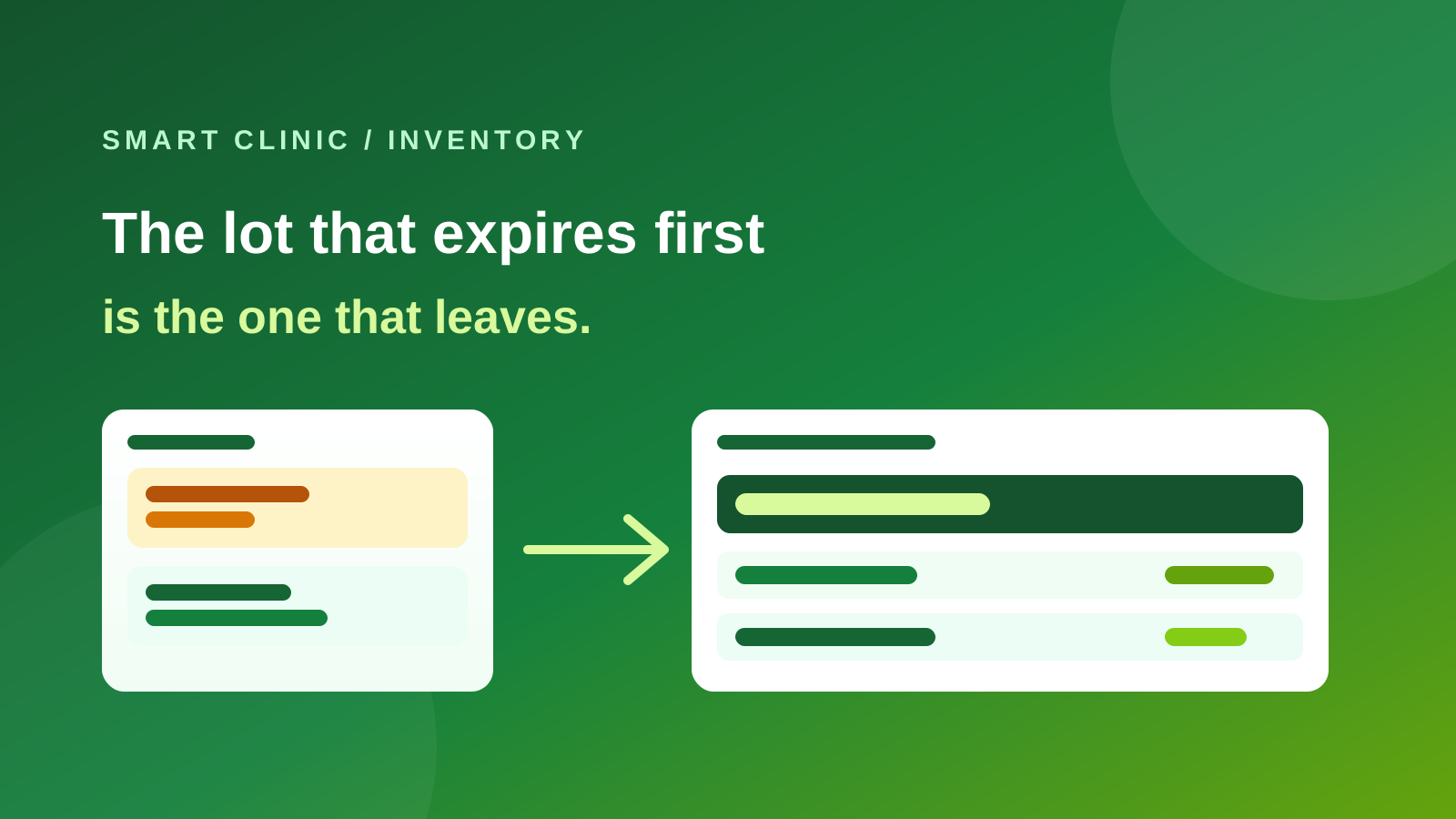
That gap is closed. The lot that expires first is the one that leaves. Alerts reach someone. A count matches the shelf.
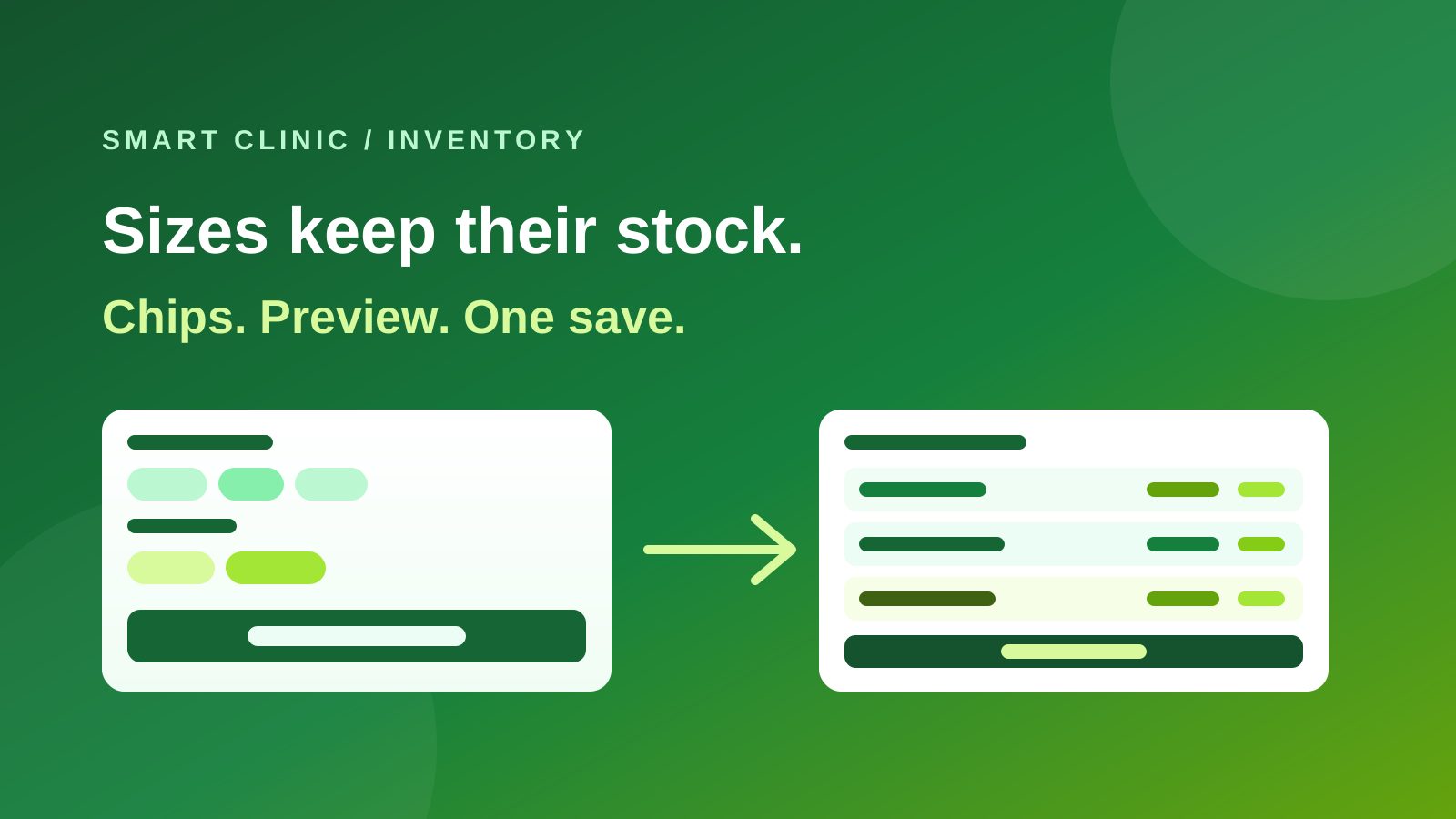
The dated walkthrough is on What’s new. The evergreen page is Inventory. Sizes and colours with their own stock are still the variants drop. Selling those products on the clinic domain is the optional store.
Receive with a lot — or skip it
Open Inventory. Pick a warehouse. Tap Receive.
Lot number and expiry sit on the screen, not behind a hidden extra. Leave them blank and the clinic works as before. Fill them in and every later visit, sale, and write-off can name that box.
The unit sits next to the quantity. Receive three boxes of a 10-piece box, and the warehouse shows thirty. Units of measure already has a starter list. Open it only if the clinic needs its own.
The soonest date leaves first
When a session completes, or a sale is paid, the system takes from the lot that expires first. On a manual Issue out, the soonest lot is picked for you. You can change it. On a normal day you should not have to.
Stock expiry is the leftover on the shelf. Write off a finished lot with a reason. A daily message lists what already expired and what will expire soon. You choose how many days before expiry to warn.
Low stock fires when quantity actually drops — a visit, a sale, a transfer out — not when someone adds boxes. WhatsApp and the in-app notice use the same moment.
Count the lot, not only the name
Stock counts is a sheet per warehouse. Each line is a lot, not only a product name. The system number is today’s, not the day you opened the sheet. A Blind count hides that number until you type yours.
Review the differences, then Apply to stock. Missing or extra stock is a movement with a reason, not a silent edit.
A posted movement is not deleted. You reverse it, and both rows stay in the history.
Ship, then receive
Stock transfers no longer land in the other warehouse the moment you approve.
Approve ships it. The destination uses Receive transfer. Same lot number, expiry, and cost. If boxes are missing on the way, you record a shortage with a reason. The other branch can be told when a transfer is on the road.
Reports you can defend
Inventory reports sits in the products menu: stock value, movement, slow stock, what each service used, and warehouse-to-warehouse. The quantity filter on a warehouse list is the whole warehouse, not only the page you are looking at.
Only people allowed to manage stock can add or take stock.
What this is not
It is not a till. It is not a supplier purchase-order suite. Those come later.
It is not a second catalog. Products with no lots, and products with sizes, keep working. The clinic that only deducts gloves when a visit completes never has to type a lot number.
If the expiry list still shows boxes you already used, or a count still fights yesterday’s number, this is the drop that retires that ritual — without asking the clinic to run the warehouse in a notebook beside the product file.