The patient is at the desk. They want the portal on their phone. The clinic cannot send a text code, or the code never arrives. So the file stays at reception, and the patient calls again tomorrow.
That is the gap this drop closes. Show a QR. They scan. They tap Continue. They are in this clinic. The dated page is What’s new. The evergreen page is Patient Portal.
A clinic that keeps Phone + SMS code sees no change. Prescription links, invoice links, and form links stay as they are.
Two clicks at the file
Open the patient file. Give portal access is the card.
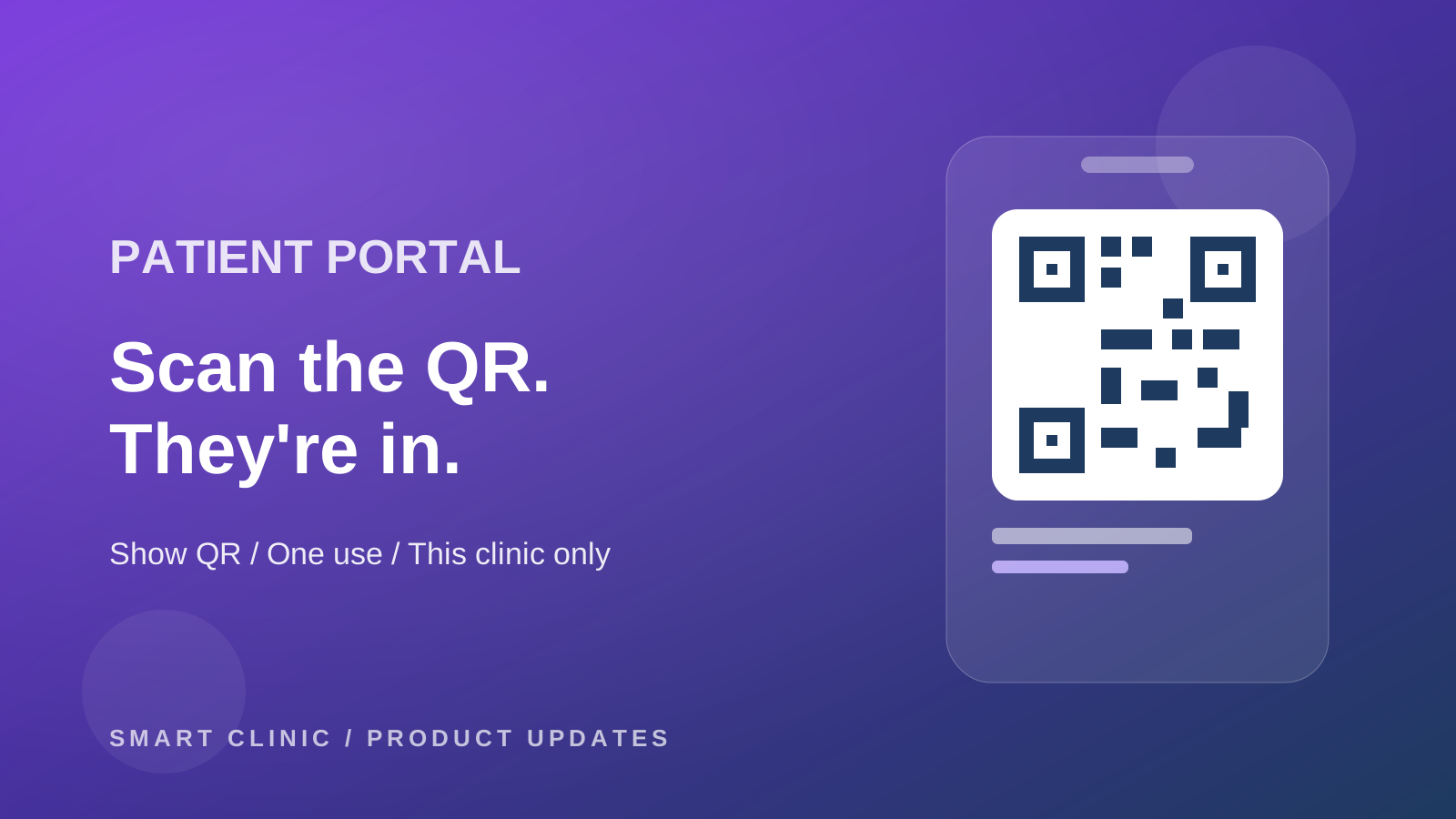
Show QR puts a code on the screen for 15 minutes. The patient uses the phone camera. The page shows the clinic, and Continue as with the name partly hidden. They tap. They are in.
The same access can leave the desk:
- Send on WhatsApp, good for 3 days
- Copy link, good for 3 days
- Print card, good for 7 days, with the logo and the first name
Each one works once. Looking at the WhatsApp preview does not burn it. Tapping Continue does.
If that phone already sits on other files here, you see those names first. Catch a typo. Or confirm it really is the family. The family box stays off until you tick Also give access to other files with this phone (family).
No phone on the file means the buttons stay off. Add the number, then show the code.
Only your clinic
The session they get is for this clinic. Files at another clinic stay out. A code you printed does not open someone else's site.
The code leaves the address bar as soon as they are in. If another person was signed in on that phone, they confirm the switch first, and the previous pages are cleared.
The phone stays signed in for 30 days. Open the portal, and the 30 days start again. Leave it unused for 30 days, and they need a new link.
A password, if they want one
After the first entry, they can set a password for faster sign-in next time. Phone number plus that password. This clinic only.
Forgot it? New phone? Reception sends a new link. Revoke access stops unused links, signs out phones at this clinic, and clears that password. Other clinics are left alone.
Turn text codes off only if you mean it
Patient Profile Settings, then Patient portal sign-in.
Phone + SMS code is the choice you already have.
Clinic QR & links only means patients do not sign themselves up. A new patient books as a guest, or reception registers the file and shows the QR. The sign-in page points them to the desk, or to a link you send.
When WhatsApp is connected, they can press Send me a sign-in link. If that phone has a file here, the link goes out on WhatsApp. The screen always answers the same way, so trying a stranger's number does not reveal whether you have it.
Any phone camera opens the portal in the browser. You do not need a new app for the desk QR.