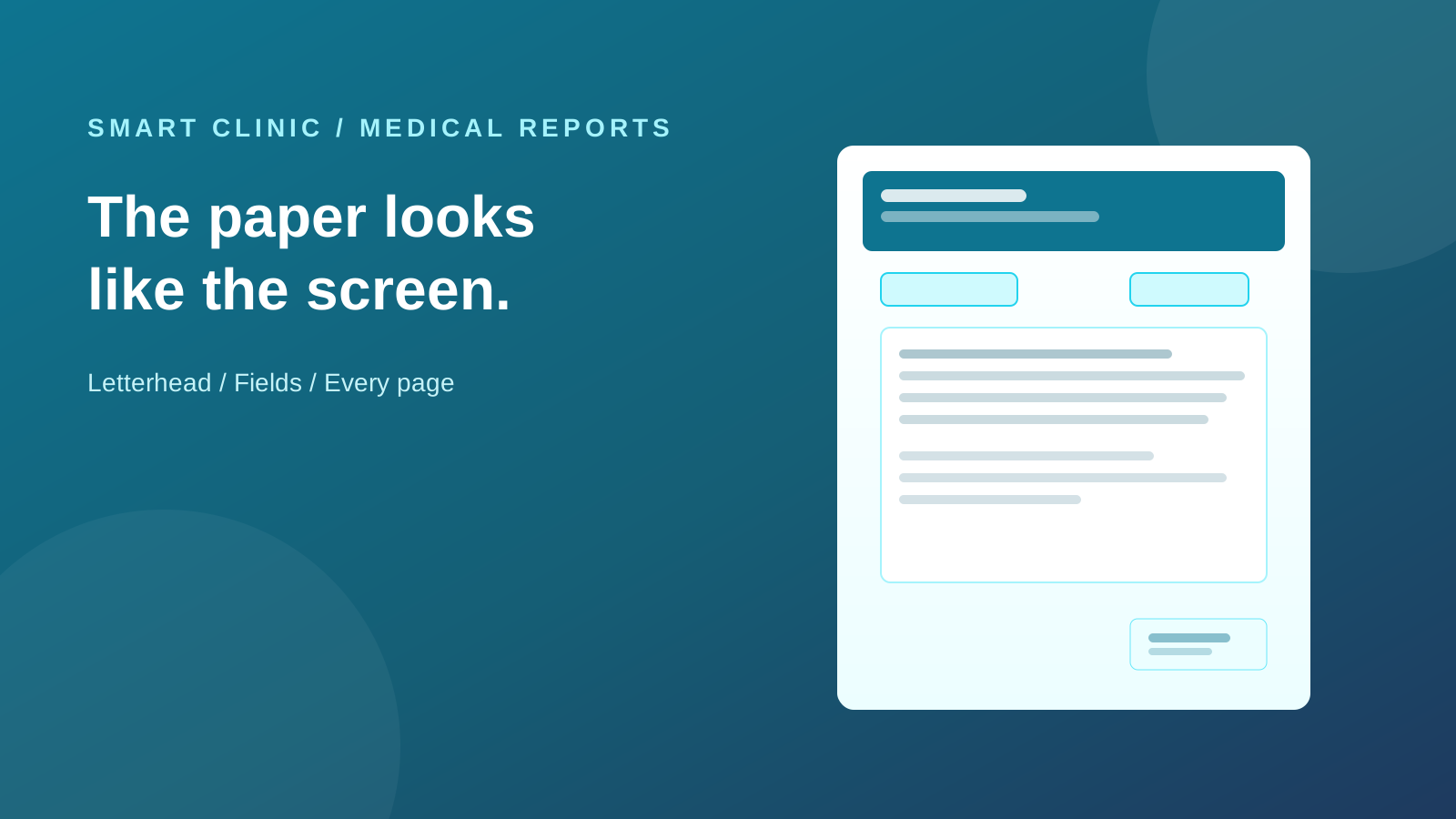
Most clinics can type a medical report. Fewer can hand the patient a page that actually looks like the clinic.
Someone uploaded a header. Someone picked a “gold” look. Someone moved the patient box. The print ignored all of that. The paper was a fixed beige sheet. Doctors stopped opening the designer. They typed in Word, or they lived with the default.
Prescriptions in Smart Clinic already did the honest thing: the screen is the printer. This drop brings reports to that same model.
Upload the letterhead. Drag the fields. Print the same page.
The dated walkthrough is on What’s new. The evergreen product page is Medical Reports.
Two jobs, on purpose
The paper is not the text.
Medical Report Designs is the letterhead: the clinic header, where the name sits, where the stamp sits, how wide the writing box is.
Medical Reports is the reusable wording: a discharge note, a referral letter, an insurance form. Clone that text per patient. It does not say where the name sits on the page.
The doctor writes on the patient file, under Reports. Pick a body template if you have one. The names and dates fill from the file. Save. Print, PDF, or WhatsApp — the file is the page you designed.
That split is why the old “ten templates that are half the same paragraph and half a different colour” stopped helping. One letterhead. Many texts. Mix them.
The letterhead repeats
A two-page report on blank continuation paper is not a clinic document. The letterhead is on every page. The writing box is the one thing that flows. Tables keep their header. A long Arabic paragraph breaks in the same place you saw while typing.
Preview is that page, before you send it.
January stays January
A designer will nudge the stamp in March. The report issued in January must still print as it did in January — look and values both.
That freeze is automatic on save. Taking the new paper later is a button: Use current design. Previously stored patient values stay. Empty numbers do not hide a report number the clinic already assigned.
If you are mid-edit and pick a different design, that is also a choice you make. The remembered default for new reports does not silently rewrite the one you have open.
Who designs, who writes
The person who already designs prescriptions can design reports. A doctor who only writes reports does not need that screen. Writing, print, and WhatsApp stay on the patient file.
Design the paper on a computer. The canvas is a full A4 page. A tablet is fine for writing and printing.
The AI Assistant still drafts the body. You read it. Then you insert or replace. It writes words, not a second layout.
What this is not
It is not a new Word. It is not a second print engine that can drift from the screen. It is not a treatment-plan change — goals and home exercises stay.
If the print still ignores the letterhead you just uploaded, this is the drop that retires that habit.