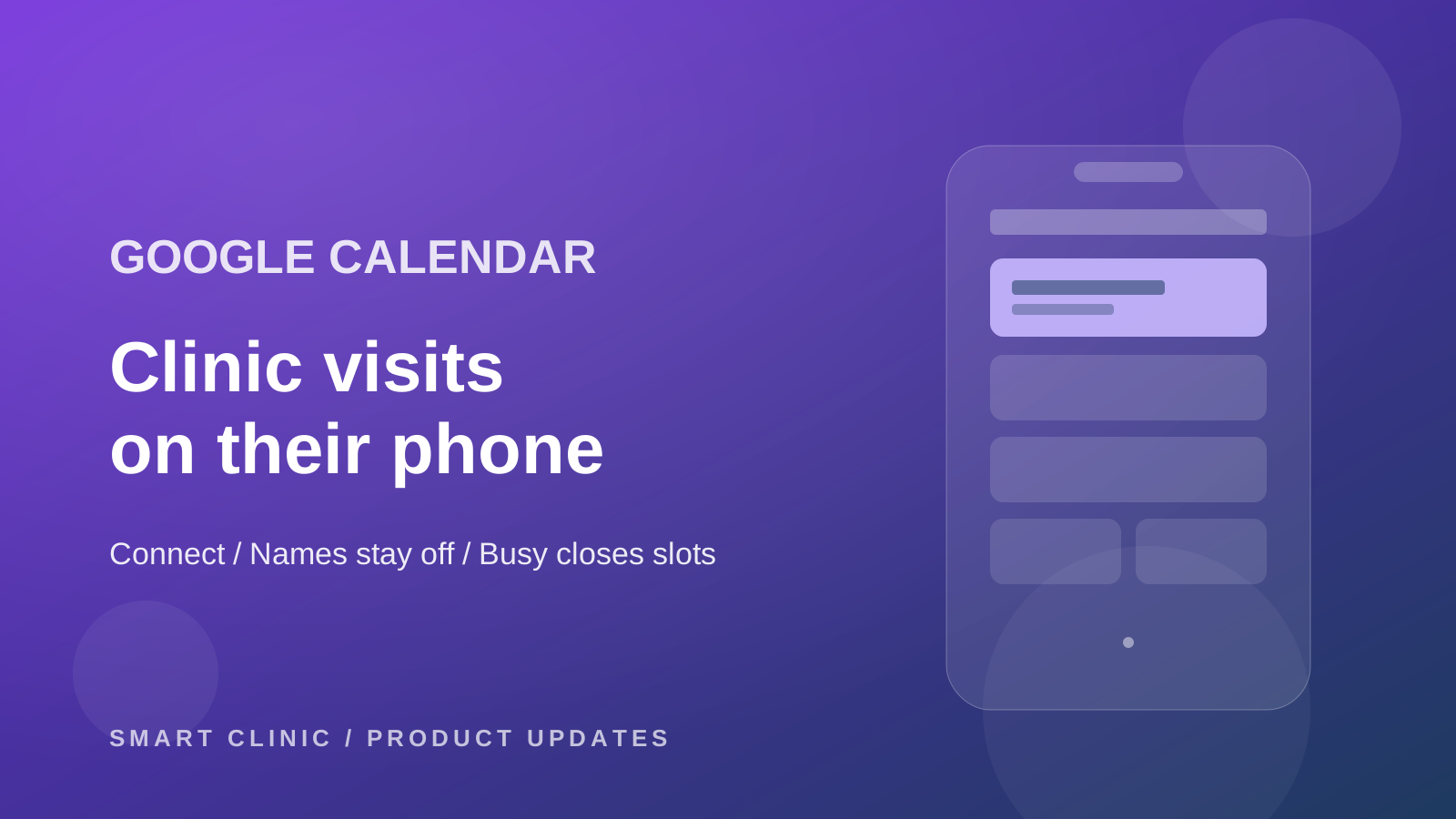
A doctor's day does not live in one place. The 4pm cleaning is in Smart Clinic. The school run is on their phone. The front desk cannot see the school run, so they book into it.
That is the gap this drop closes. Clinic visits show in the doctor's Google Calendar. Time they mark busy on their phone can stop new bookings — only if they ask for that. The dated page is What’s new. The evergreen page is Reservations & Scheduling. Sharing a form per doctor is still one link per doctor.
Their account, not the clinic's
Open the profile. Connect Google Calendar. Pick the Google account. Come back. The card shows that email.
A manager can see who is connected and can remove a connection. They cannot press Connect for someone else. The account that finishes the Google screen is the account that gets the visits. So each doctor does it themselves.
The visits do not land in the doctor's personal calendar as edits. Smart Clinic makes its own calendar in that Google account and writes there. Their real events stay theirs. We only read "busy" from the personal calendar, and only after they turn that on.
A title that does not name the patient
A new visit, a move, and a cancel show in Google, usually within about 15 minutes. The default title is the branch. Not the name. Not the phone. Not the diagnosis. Not the notes.
Names are a switch, with a warning you cannot miss: those names will sit in a personal Google account. Leave it off unless you are sure. A phone number is a second switch, and it stays locked until names are on.
A link back to the visit is on, so the doctor can open it in Smart Clinic from the phone. An online visit can carry the join link.
Busy on the phone means closed at the clinic
This is the half that changes booking, so it starts off. Turn it on, pick at least one branch, and time marked busy in Google is no longer offered. The website form, WhatsApp, the patient app, and the front desk all see it. No branch picked means nothing is blocked. Turn the switch off and the blocks go away.
Google still cannot move the clinic visit. If access is lost, the profile card goes red and asks for a reconnect. People can still book.
When they leave
Disconnect and choose. Keep what is already in Google, and Smart Clinic stops updating it. Or remove the SmartClinic calendar, visits included.
A clinic that never opens the card sees no new fields and no closed slots. The calendar you already run is still the one that counts.