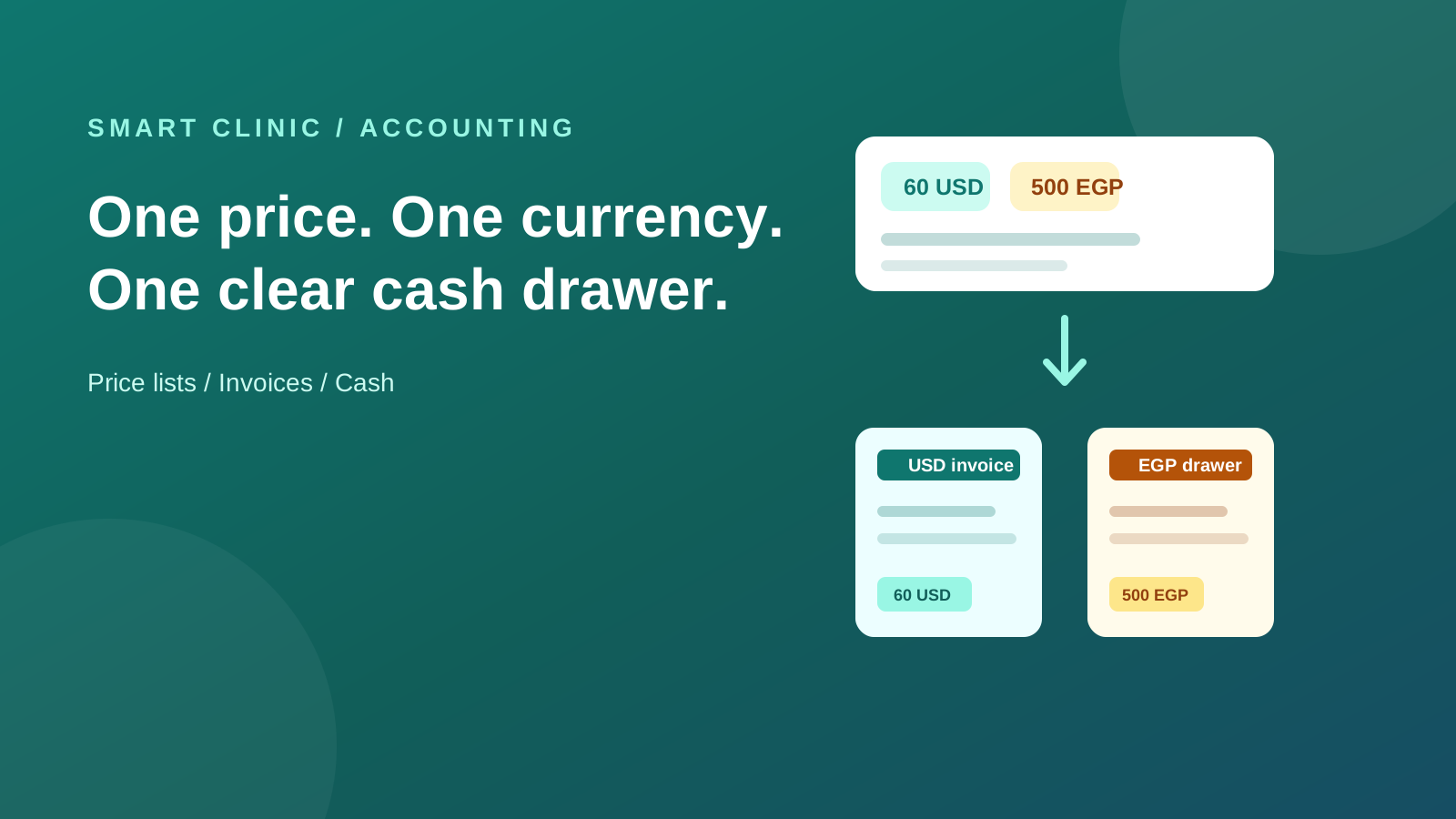
A clinic can charge a visitor in dollars and charge the next visitor in Egyptian pounds. That is normal. Treating those two prices as a calculator result is not.
60 USD is not necessarily “whatever 500 EGP converts to today.” It is a price the clinic chose. And when that patient pays, the invoice, receipt, cash drawer, and finance trail need to remember the same thing.
That is what this release changes. The dated walkthrough is on What’s new. The evergreen product page is Accounting & Finance.
A price is a decision, not a rate
Start in Price Lists. Make one list for each currency the clinic accepts. Put the real examination, product, and package prices in that list.
When staff start an invoice, Smart Clinic checks the complete basket before it bills. If one item has no USD price, it stops there. It does not quietly turn the clinic-currency price into USD. Staff can fix the list or choose the currency that covers the whole visit.
This is why an invoice has one currency. A patient should never receive a receipt that says one line is dollars and the next line is pounds.
The rate is saved with the work
Settings → Exchange Rates shows the current rate, its age, its source, and its history. Authorised staff can enter a rate when they need to. An old rate gives the team a warning, not a mystery after the patient leaves.
The rate used for an invoice is saved with that invoice. A change tomorrow does not rewrite last Tuesday’s receipt. If the patient pays in two instalments, the invoice still closes in the currency it was billed in. Any exchange difference stays in finance, where it belongs.
Cash drawers answer a simple question
“How many dollars are in this drawer?” should have a simple answer.
Each drawer has one currency. Its finance view can show the actual cash, its value in the clinic currency, and the rate used for that value. It does not pretend a USD note and an EGP note can be summed as one number.
The same rule follows refunds, transfers, and currency conversions. The system keeps the two sides and the rate trail, so the accountant can explain what moved.
The dashboard keeps currencies apart
Open Finance → Currency Dashboard to see sales, collections, refunds, outstanding amounts, cash, conversions, and exchange differences. Each currency has its own line and its own trend.
The clinic’s familiar financial statements and normal totals still use the clinic currency. The currency dashboard is a separate view for the details. That keeps existing reports useful while giving a multi-currency clinic the information it actually needs.
At month end, the accountant can review foreign cash and unpaid invoices with an approved closing rate. The resulting change is recorded with a clear history instead of changing old patient documents.
One-currency clinics do nothing
Multi-currency is off until a clinic deliberately enables it. Clinics that price and bill in one currency keep their current invoices, cash drawers, reports, and day-to-day workflow.
For clinics that do need it, the result is simple: set the price you mean, charge the currency you promised, and see each type of money clearly.