Most clinic websites fail before they launch — not because the team lacks taste, but because they are asked to invent a homepage from an empty canvas.
A hero, a services row, a team grid, a footer, mobile navigation, Arabic direction, and a booking button are not creative choices. They are the job. When every clinic rebuilds them from boxes, the result is either a developer invoice or a site that never goes live.
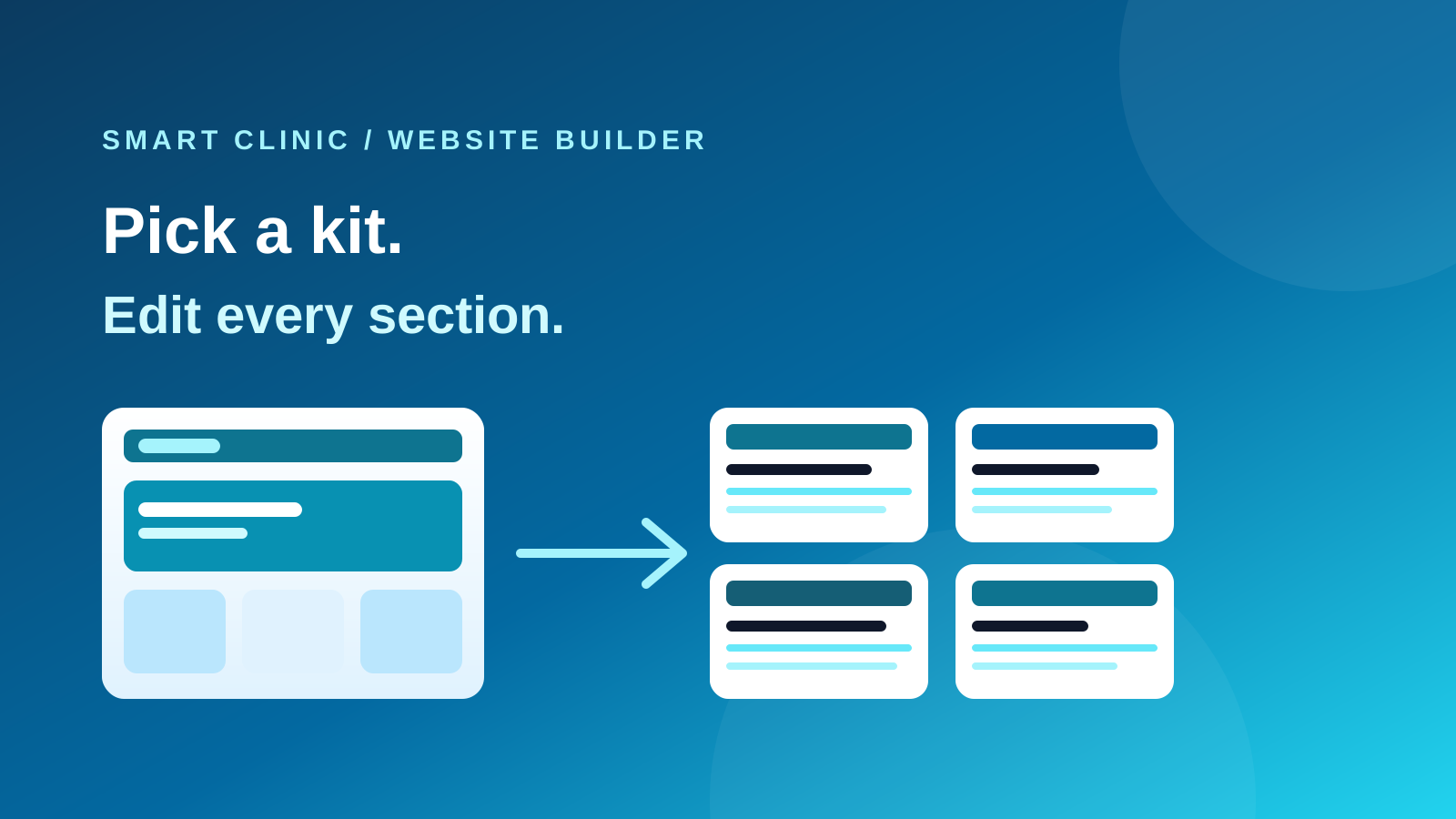
This release flips the starting point. Pick a finished kit. Edit what is yours. Publish. The dated changelog is on What’s new. The evergreen product page is Website Builder.
The same drop now also runs the live site: a header that stays global, search titles, redirects when a page is renamed, an inbox for contact-form messages, and analytics that wait for a real cookie choice.
A kit is a real website
A kit is not a mood board. It arrives with pages, navigation, a theme, and sample copy in the language you chose. Clinic and dental kits sit next to store, restaurant, gym, agency, portfolio, magazine, and events — because the builder is a general website product, and healthcare is the vertical you happen to run.
Arabic-first kits are in the same gallery. Right-to-left is not a theme you apply later.
Sections you can still take apart
Ready-made heroes, testimonials, pricing, FAQs, and footers are the library. After you insert one, you can delete the image, rewrite the heading, add a third button, or restyle the background. The point of a section is speed, not a locked component.
The same design tokens — colour, type, spacing — keep a section looking correct when you switch theme, dark mode, or language. You are not maintaining a second mobile site.
Repeating routes get one design
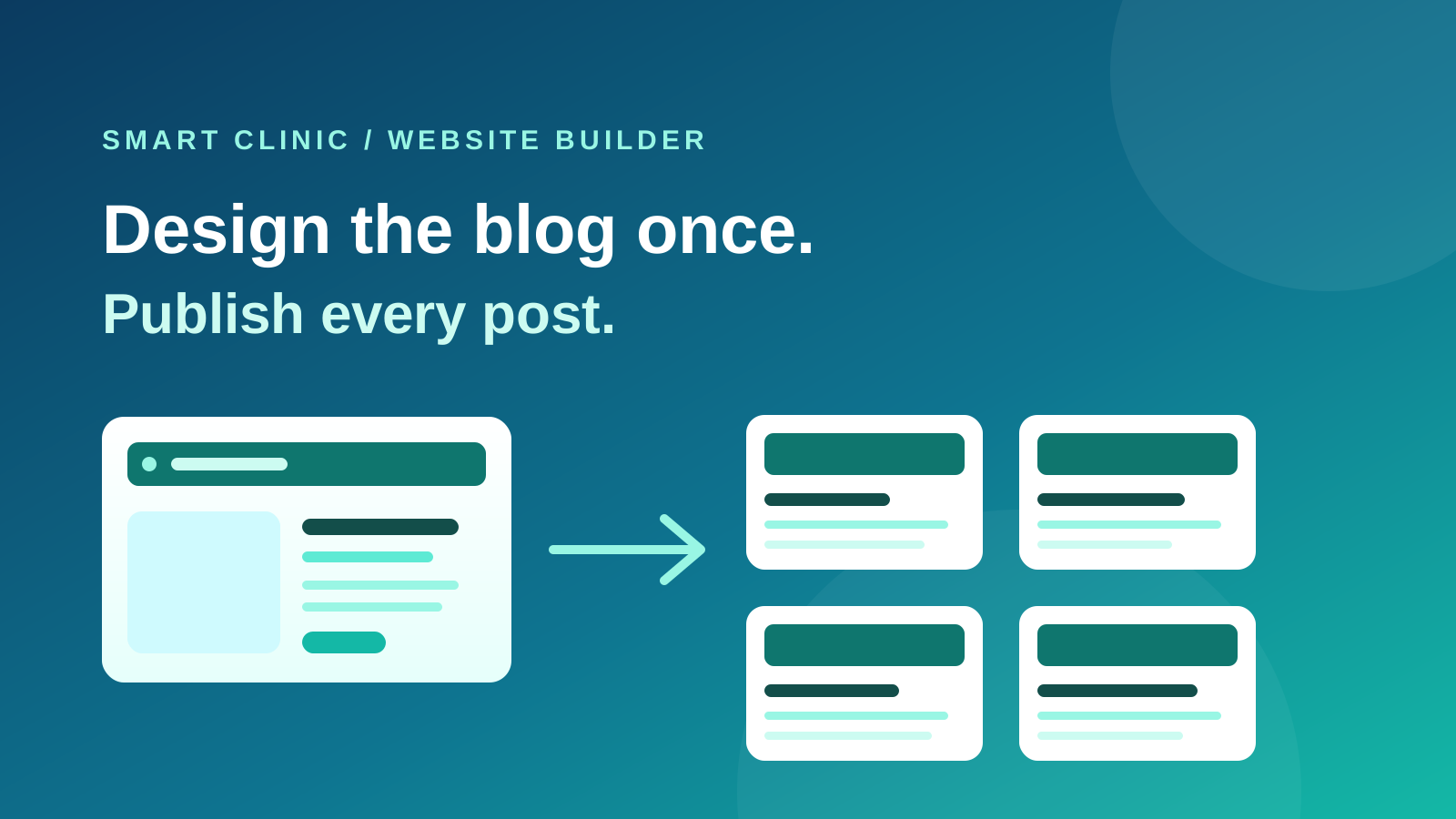
The clinic blog already works this way: design the article once, write many posts. Booking and shop pages follow the same rule when those modes are on. Change the product template, and every product follows. Change the booking page, and every public slot uses it.
Ordinary pages — home, about, contact — can start from a page template and then diverge. You are not copying a homepage into five slightly different files.
The header and footer are shared the same way. Edit them once and every page that still uses the site chrome follows. Detach a landing page when it should have no nav. A single page or post can shift its colours without forking the whole theme.
Be found, and do not lose a renamed page
A clinic website that cannot set its own title, or that 404s the moment you rename a page, is unfinished.
Set a site title, description, and sharing image, then override them per page. Hide a page from search when it is not meant to rank. Generated sharing cards match the site theme. Ordinary pages sit in the sitemap next to blog and shop. Search Console or Bing can verify the domain.
Rename a page or a post and the old address keeps working. Add a manual redirect when you retire a URL on purpose. Clinic name, phone, and address can appear as structured data for search — you do not paste that markup by hand.
The contact form is no longer a black hole
A visitor filling in name and phone is the conversion most clinic sites exist for. Those messages now have an inbox: filter, open a row, export. The clinic can be notified when someone submits, instead of discovering the lead weeks later.
Measure visits behind a real cookie choice
Add Google Analytics, Tag Manager, a Meta pixel, or TikTok once in site settings. The tags load on every page — not as a block you remember to paste. They wait until the visitor accepts the matching category.
The cookie banner stores Accept and Decline. Decline loads nothing beyond what the site needs to run. The visitor can change their mind later. A banner that only looked like consent is no longer the default.
AI with a review gate
The assistant can fill a section you already placed, compose a page from the library, or generate a site from a kit. It does not invent prices, and it does not publish. You see the result on the canvas first.
That is the same discipline as the diet assistant and the clinical agents: propose, then apply.
A publish button when you want one
Autosave still protects work. Draft and publish is a switch for clinics that need a review step — the public domain stays on the last published version until someone hits publish. Named revisions sit behind big layout changes so a bad evening is not permanent.
What this is not
It is not a second blog product. The shared blog design from earlier this month is the publishing channel inside this builder.
It is not an online store by default. Selling on the clinic website is opt-in, and connecting Salla or Shopify for WhatsApp is a different pipeline.
The practical result is a clinic that can go live the same week it signs up — with a site that looks like a brand, can be found, and answers the messages it already collects.